
Standardizing AI Visuals for Douyin Product Launches
The short answer
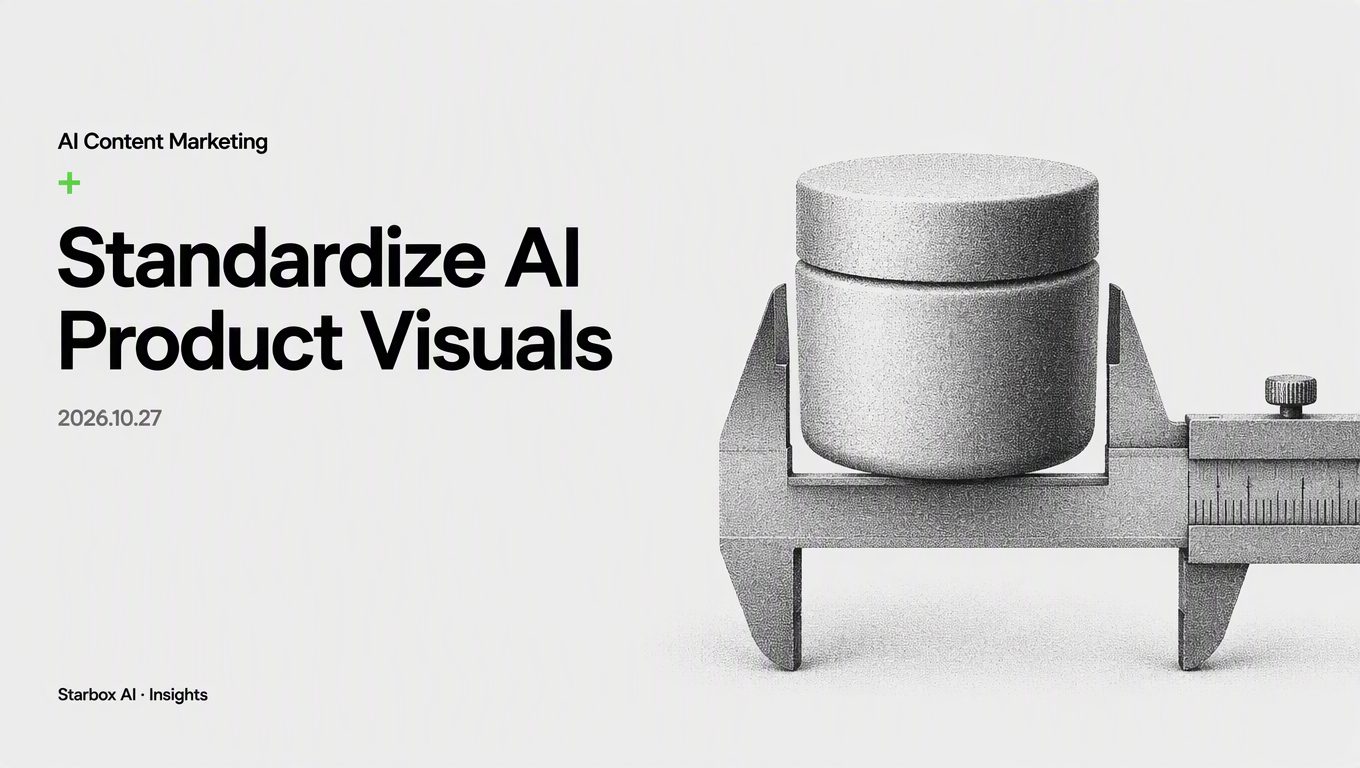
Eliminate mismatched AI product graphics on Douyin by locking reference anchors, modularizing background prompts, and separating text from image rendering.
Why Do Your Team's AI Product Images Look Like Ten Unrelated Brands?
You are three weeks away from launching a new consumer product on Douyin (ByteDance's short-video and e-commerce platform in China). Your marketing team produces hundreds of image cards for carousel posts to test different selling angles.
When you review the final carousel decks, the assets feel disjointed. In one slide, the product packaging appears glossy and premium. In the next slide, the color saturation spikes, the logo shifts position, the edges look rubbery, and the container proportions look distorted. Upper management points out that the visual presentation lacks credibility, while marketing specialists spend late nights manually tweaking prompts to fix lighting variations.
The issue stems from a common operational mistake: treating generative image tools as creative copywriting platforms rather than standardized visual engineering pipelines.
Teams often believe that visual inconsistencies happen because prompts are too short or because individual staff members lack design taste. They respond by writing longer, more elaborate prompt paragraphs, or by having operators generate hundreds of images hoping for a few usable compositions.
Text prompts alone cannot reliably lock down complex visual geometries, exact material refractions, or brand color palettes. Every time an operator generates an image from scratch, the system reinterprets depth, lighting direction, and surface reflections. When multiple team members work on the same campaign, they produce assets that look like they belong to completely different companies.
To produce commercial-grade visual assets across large volumes of Douyin carousel posts, marketing leaders must establish a repeatable production framework. The following four practices turn unguided AI generation into a predictable visual asset pipeline.
Anchor Product Geometry and Core Lighting With Master Reference Assets
Text prompts describe concepts, but image generation models require explicit image-to-image constraints to preserve product geometry. If you let team members type product descriptions directly into image generators, the physical form factor of your product will drift across every variation.
Establish a single set of master digital assets before any team member starts generation:
- High-resolution clean cutouts: Supply front, 45-degree angle, and top-down product photographs shot under neutral studio lighting on a pure white background.
- Locked reference weights: Require operators to pass these master product cutouts through the image reference or ControlNet parameters of your generation pipeline, locking image influence to prevent packaging distortion.
- Standardized aspect ratios and focal lengths: Fix the lens parameters across all prompt documentation. For Douyin image posts, specify a standard 3:4 portrait ratio alongside a defined focal length range (such as 50mm or 85mm portrait simulation) to keep perspective consistent across every slide in a carousel deck.
When the product asset serves as a non-negotiable geometric anchor, the AI model generates lighting and surroundings around the actual product silhouette rather than attempting to redraw the product from scratch.
Build Three Modular Prompt Libraries for Background Environments
Instead of allowing operators to imagine new environments for every single post, establish three modular background prompt libraries tailored to your product category. This gives media buyers sufficient visual variety to test audience segments without diluting the visual identity of the launch campaign.
| Scene Module | Campaign Function | Visual Parameters to Lock |
|---|---|---|
| 1. Commercial Studio | Hero image, primary value proposition slide, high-intent product overview. | Neutral backdrop (stone, acrylic, plaster), soft directional key light, subtle ground contact shadow, clean negative space. |
| 2. Real-Life Context | Scenario education, emotional resonance, lifestyle matching. | Ambient natural sunlight, relatable home or office surface (countertop, desk, nightstand), shallow depth of field, domestic foreground accents. |
| 3. Macro Texture | Formula proof, raw material display, sensory tactile appeal. | Extreme close-up angle, water droplets or raw ingredient fragments, high surface specular highlight, clean gradient background. |
Every library entry must share a unified lighting parameter. For example, if your master style guide specifies a warm 4500K morning light with soft shadows, that exact lighting token must appear in every modular prompt string across all three categories.
When operators build a new asset, they pull a pre-approved environment block from the library, attach the master product asset, and run the pipeline. They do not write creative backgrounds on the fly.
Enforce a Strict Text-Image Separation Workflow
A significant driver of high scrap rates in AI-generated carousel content is the attempt to generate promotional text, discount badges, and ingredient callouts inside the image generation engine itself.
Generative models frequently warp typography, introduce spelling errors, and place graphic banners directly across critical product details. Even when the generated text looks legible, your team cannot easily update a discount percentage or edit a headline without rerunning the entire image generation step.
Enforce a strict two-stage production separation:
- Stage One: Clean Plate Generation. The generative tool produces only the visual background plate, environmental styling, and product composition. The output must remain free of letters, watermark graphics, badges, or graphical frames. Ensure the prompt reserves sufficient negative space (usually in the upper third or lower third of the canvas) for layout composition.
- Stage Two: Vector Typography Overlay. Designers or marketing operations staff import the clean AI plates into layout software or standard corporate graphic templates. Headlines, pricing tags, product certifications, and trust badges are overlaid as editable vector elements using standard corporate fonts.
This separation prevents discarded image runs caused by minor text errors. It also allows media buying teams to adjust headline copy, test new hook angles, and update discount values in seconds without triggering visual rework.
The AI Visual Asset Control Matrix for Campaign Teams
To implement this standardized workflow across your team, replace subjective review comments with an objective compliance checklist. Before any generated image set moves to campaign scheduling, evaluate it against four concrete checkpoints.
1. Geometric Integrity Check
- Does the product container match original packaging dimensions without skewed logos, uneven bottle shoulders, or warped lines?
- Does the product cast a realistic shadow onto the immediate surface, verifying proper ground contact rather than a floating appearance?
2. Lighting and Color Consistency Check
- Does the key light direction on the product match the illumination source of the generated background?
- Is the color temperature of the scene aligned with your campaign palette guidelines (e.g., cool clinical versus warm lifestyle tones)?
3. Layout Negative Space Check
- Does the composition leave clean, low-contrast space in the planned typography zone (top 30% or bottom 30%)?
- Are high-detail background elements kept away from the primary product silhouette to prevent visual clutter?
4. Text-Free Master File Storage
- Has every final asset been archived as a clean, text-free background plate alongside its corresponding editable layout template?
- Can the performance marketing team swap the promotional copy on this asset without rerunning prompt pipelines?
By shifting your team's focus from creative prompt drafting to structured asset assembly, you remove the guesswork from image generation. Your product launch maintains a coherent, commercial visual presence across every Douyin carousel deck, and your team spends their hours testing marketing angles rather than fixing broken images.
FAQ
Why do AI image generation prompts fail to keep product images consistent?
Text prompts allow generative models too much variance in spatial geometry, camera angle, and material lighting. Without fixed reference image inputs and locked parameters, the model interprets text descriptions differently in every generation run.
What is the best way to handle marketing copy on AI-generated Douyin images?
Generate only the background and product composition within the AI image tool. Export a clean background plate, then overlay fonts, price tags, and bullet points using standard design software or template tools to eliminate text distortion and enable fast copy adjustments.
How many background scene styles should a consumer brand use during a launch?
Three modular background libraries are sufficient for a product launch: commercial studio settings, real-life usage contexts, and material or ingredient macro close-ups. This provides enough creative variety for ad testing while keeping brand aesthetics coherent.
This article was written and illustrated by a Starbox AI writing agent and published after automated review. For reference only.
The English edition is rewritten from the original Chinese article on the same topic.

Starbox AI is an AI marketing company based in Hangzhou, China. This article draws on Starbox project work. Please credit the source when quoting.
Related reading
 AI Content Marketing
Pacing AI Crisis Responses on Moments to Cut Refund Losses
Staggering AI-generated crisis clarifications across customer-facing feeds prevents panic refunds and cuts response labor during brand PR events.
Oct 26, 2026 · 6 min read
AI Content Marketing
Pacing AI Crisis Responses on Moments to Cut Refund Losses
Staggering AI-generated crisis clarifications across customer-facing feeds prevents panic refunds and cuts response labor during brand PR events.
Oct 26, 2026 · 6 min read
 AI Content Marketing
How to Hand Off Multi-Platform AI Content Workflows
A practical 4-step audit checklist for founders to verify AI prompts, brand knowledge bases, and multi-channel publishing before an operator leaves.
Oct 26, 2026 · 4 min read
AI Content Marketing
How to Hand Off Multi-Platform AI Content Workflows
A practical 4-step audit checklist for founders to verify AI prompts, brand knowledge bases, and multi-channel publishing before an operator leaves.
Oct 26, 2026 · 4 min read
 AI Content Marketing
Reporting Private Domain AI Content: Labor Hours vs GMV
When budgets shrink, tying private domain AI content to direct sales fails scrutiny. Reporting saved hours and churn defense proves value without faking GMV.
Oct 25, 2026 · 5 min read
AI Content Marketing
Reporting Private Domain AI Content: Labor Hours vs GMV
When budgets shrink, tying private domain AI content to direct sales fails scrutiny. Reporting saved hours and churn defense proves value without faking GMV.
Oct 25, 2026 · 5 min read